Getting Started with Audio Transcription

Audio Transcription Guide: how audio becomes accurate, editable text
Audio transcription is the process of converting spoken audio into written, editable text, and it matters because it saves time, improves accessibility, and makes content searchable and reusable. This guide explains how audio transcription works, what affects accuracy, practical workflows you can follow, and how to choose the right tools for your needs.
Why audio transcription matters
Transcription turns audio from a one-time listening experience into something you can search, edit, repurpose, and share. For creators and teams, that shift changes how content gets used across platforms and workflows.
When you have a transcript, you can quickly pull quotes, create captions, generate summaries, or turn a long recording into multiple pieces of content. It also makes your work accessible to people who prefer reading or need captions, and it helps with compliance in certain industries.
The impact shows up in everyday use cases. A podcast episode becomes a blog post and social clips. A meeting turns into structured notes with action items. An interview becomes a clean, quotable transcript ready for publication. Instead of re-listening for details, you can scan, search, and edit instantly.
Key benefits to keep in mind:
- Faster content reuse across formats (blogs, captions, summaries)
- Improved accessibility for audiences and teams
- Searchable archives of audio and video content
- Easier collaboration with shareable text
- Better documentation for meetings, research, and interviews
How transcription works — engines, routing, and common terms
At a high level, speech-to-text systems analyze audio signals, detect spoken language patterns, and convert them into words using trained machine learning models. Modern systems rely on large-scale neural networks that recognize phonemes, context, and sentence structure.
In practice, most platforms do not rely on a single engine. They route audio through different transcription models depending on factors like file size, plan tier, or feature requirements. For example, a system might use a self-hosted Whisper-based model for free users, while routing paid users to a higher-performance engine like ElevenLabs Scribe, especially when features like speaker identification are needed.
This routing approach balances cost, speed, and accuracy. It also allows platforms to offer different capabilities across plans without requiring users to understand the underlying infrastructure.
A few core terms help clarify how transcription systems behave:
- Speech-to-text (STT): the general process of converting audio into text
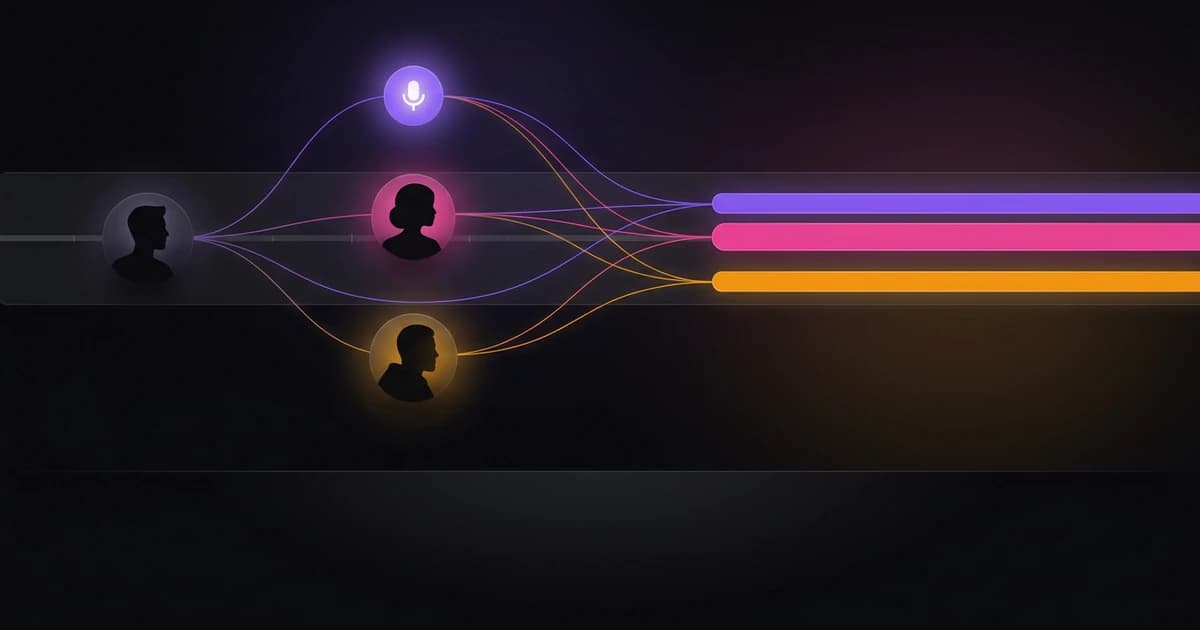
- Diarization: identifying and labeling different speakers in a conversation
- Timestamps: markers that show when each word or sentence occurs in the audio
- Verbatim transcript: captures speech exactly, including filler words and pauses
- Clean transcript: removes filler words and improves readability
Understanding these terms makes it easier to evaluate tools and configure your workflow correctly. For example, a meeting transcript often benefits from diarization and clean formatting, while a legal or research transcript may require verbatim detail.
Accuracy: what affects it and realistic expectations
No transcription system is perfect, and expecting flawless output will lead to frustration. A more realistic benchmark is that modern systems can reach around 99% accuracy on most clear, well-recorded content, but results vary depending on several factors.
Audio quality is the single biggest driver of accuracy. Clear recordings with minimal background noise produce far better transcripts than noisy or distorted audio. Microphone quality, recording environment, and distance from the speaker all play a role.
Speaker behavior also matters. Fast speech, overlapping dialogue, heavy accents, and frequent interruptions can reduce accuracy. Even advanced models struggle when multiple people talk at once or when words are unclear.
Language and context add another layer. Industry-specific terms, names, or jargon may not be recognized correctly unless the system has context or customization options. This is especially relevant for technical, medical, or academic recordings.
To set realistic expectations, think in terms of “draft quality.” Automatic transcription gives you a strong first draft that usually needs light editing. The goal is not perfection out of the gate, but speed and efficiency in getting to a usable final version.
Step-by-step workflow: from audio to polished transcript
A reliable transcription workflow follows a consistent sequence: prepare your file, transcribe it, review and edit the output, then export it in the right format. Each step affects the final quality.
Start with file preparation. Use a clear recording in a supported format such as MP3, WAV, M4A, or MP4. If your audio includes multiple speakers, consider whether you need diarization before choosing a tool or plan.
Next comes transcription. Upload your file and select any relevant settings. On some platforms, free tiers allow you to choose between speed and quality modes, while paid tiers may automatically use higher-accuracy engines with additional features like speaker identification.
Once the transcript is generated, move to editing. This is where you correct errors, adjust formatting, and label speakers if needed. Many platforms provide in-dashboard editing so you can refine the text before exporting.
Finally, export the transcript in the format that matches your use case. Captions require formats like SRT or VTT, while documentation or publishing workflows might need DOCX or TXT.
A simple, repeatable workflow looks like this:
- Upload audio or video file in a supported format
- Choose transcription settings (language, speed vs quality, diarization if available)
- Run transcription and wait for processing
- Edit text for clarity, accuracy, and speaker labels
- Export in the required format (TXT, SRT, VTT, DOCX, or JSON depending on plan)
Following this structure reduces errors and ensures your transcript is usable for its intended purpose.
Practical examples: podcast, meeting, and interview workflows
Different use cases require slightly different transcription approaches. The core process stays the same, but the settings and outputs change based on your goal.
For a podcast episode, timestamps and caption formats are essential. You might want chapter markers or segments for easier navigation. Exporting to SRT or VTT allows you to add captions to video platforms, while a clean transcript can become a blog post.
Meetings benefit from speaker identification and structured summaries. Instead of a raw transcript, teams often want action items, decisions, and key points extracted from the conversation. This reduces the need to reread the entire transcript.
Interviews sit somewhere in between. You typically want clear speaker labels and a clean transcript that removes filler words while preserving meaning. This makes the content easier to quote or publish.
These differences highlight why choosing the right features matters as much as choosing the right tool.
Feature checklist by use case
Different workflows depend on specific features, and understanding those dependencies helps you avoid overpaying or missing something critical.
For podcasts, focus on formats and timing. For meetings, prioritize structure and speaker tracking. For interviews, balance readability with accuracy.
Here is a quick decision reference:
- Podcast: timestamps, SRT/VTT export, clean transcript editing
- Meeting: speaker diarization, summaries, action item extraction
- Interview: speaker labels, clean vs verbatim control, DOCX export
- Research: high accuracy, verbatim transcripts, searchable text
This kind of mapping makes it easier to evaluate whether a tool actually fits your workflow instead of just offering generic transcription.
Common pitfalls and quick fixes
Most transcription issues are predictable and fixable once you know what to look for. Small adjustments in recording or settings can dramatically improve results.
Poor audio quality is the most common problem. Background noise, echo, or low recording volume can confuse even advanced models. Recording in a quiet space and using a decent microphone often solves this.
Speaker overlap is another frequent issue. When multiple people talk at once, transcripts can become jumbled or inaccurate. Encouraging clearer turn-taking during recordings helps, especially for meetings or interviews.
File format mismatches can also slow things down. Using widely supported formats like WAV or MP3 avoids upload or processing issues.
Here are common problems and simple fixes:
- Noisy audio: record in quieter environments or use basic noise reduction
- Overlapping speech: guide speakers to avoid talking over each other
- Strong accents or jargon: expect light editing and corrections
- Missing speaker labels: use tools with diarization on supported plans
- Wrong export format: match format to use case (captions vs documents)
Fixing these issues upstream reduces editing time later and improves overall workflow efficiency.
Where Wisprs fits into the workflow
Once you understand the process, the value of a transcription platform comes down to how smoothly it supports each step. Wisprs is designed to handle the full workflow, from upload to export, while adapting to different needs and plan levels.
For transcription itself, Wisprs uses multiple speech-to-text engines rather than relying on a single provider. Free users are routed through self-hosted Whisper-based models such as faster-whisper, with options to prioritize speed or quality. Paid plans use ElevenLabs Scribe, which supports features like native speaker identification for clearer multi-speaker transcripts. In some cases, routing may also include other providers as fallback depending on the scenario.
The platform supports common audio and video formats, including MP3, WAV, M4A, MP4, and more, so you can upload files without conversion. Language auto-detection works across 100+ languages, and transcripts can be translated into other languages when needed.
Editing happens directly in the dashboard, where you can adjust text, fix speaker labels, and prepare the transcript before export. Export options depend on your plan, with free users getting TXT and SRT, while paid plans add formats like VTT, DOCX, and JSON, including word-level timestamps for more advanced workflows.
Additional features such as summaries, chapters, and action items are available on paid plans, which can be especially useful for meetings and long-form content. Batch upload and parallel processing are also available on higher-tier plans, making it easier to handle multiple files at once.
If you want to explore how these features fit together, you can see the full overview on the Wisprs transcription page: /ai-transcription-software
FAQ
Q: What is audio transcription in simple terms?
Audio transcription is the process of turning spoken audio into written text using either automated software or human transcription. Most modern workflows use AI to generate a draft quickly, then edit it for accuracy.
Q: How accurate is automatic transcription?
Accuracy varies based on audio quality and context, but modern systems can reach around 99% accuracy on most clear recordings. Expect to review and edit transcripts for best results.
Q: What is the difference between verbatim and clean transcripts?
Verbatim transcripts include every spoken detail, such as filler words and pauses. Clean transcripts remove unnecessary elements to improve readability while preserving meaning.
Q: Do I need speaker identification for every transcript?
No, but it is important for conversations with multiple speakers, such as meetings or interviews. Speaker identification is typically available on paid plans in many tools.
Q: Which file formats are best for transcription?
Common formats like WAV, MP3, M4A, and MP4 are widely supported. WAV often provides the highest quality, but MP3 is usually sufficient for most use cases.
Q: Can I edit transcripts after they are generated?
Yes, most transcription platforms provide built-in editors so you can correct errors, adjust formatting, and update speaker labels before exporting.
Q: What export format should I choose?
It depends on your goal. Use SRT or VTT for captions, TXT or DOCX for documents, and JSON if you need structured data with timestamps.
Q: Is free transcription good enough?
Free tools can work well for simple tasks, especially with clean audio. However, advanced features like diarization, expanded exports, and batch processing are usually part of paid plans.
Next steps and resources
By now, you should have a clear understanding of how audio transcription works, what affects accuracy, and how to run a reliable workflow from start to finish. The key is consistency: good audio in, structured process, light editing, and the right export for your use case.
If you want a simple way to apply this in practice, start by testing a single file using a clear workflow. Focus on quality settings, review the output carefully, and compare how different features affect your result.
To go deeper, these resources will help:
- Transcription best practices guide: /blog/transcription-best-practices
- Wisprs transcription features overview: /ai-transcription-software
- Pricing and plan comparison: /pricing
If you’re ready to try it hands-on, the easiest next step is to upload a file and run through the full workflow yourself. That experience will make the tradeoffs and features much clearer than any comparison chart.